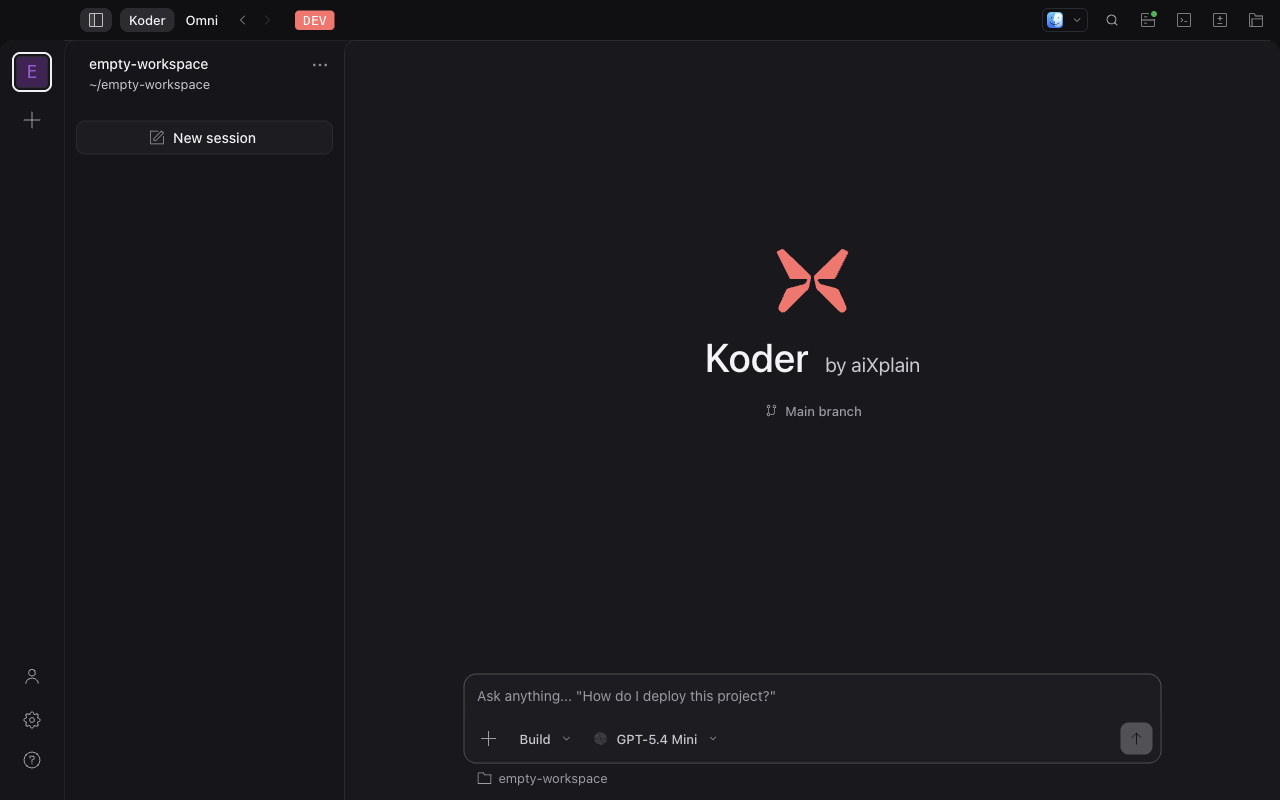
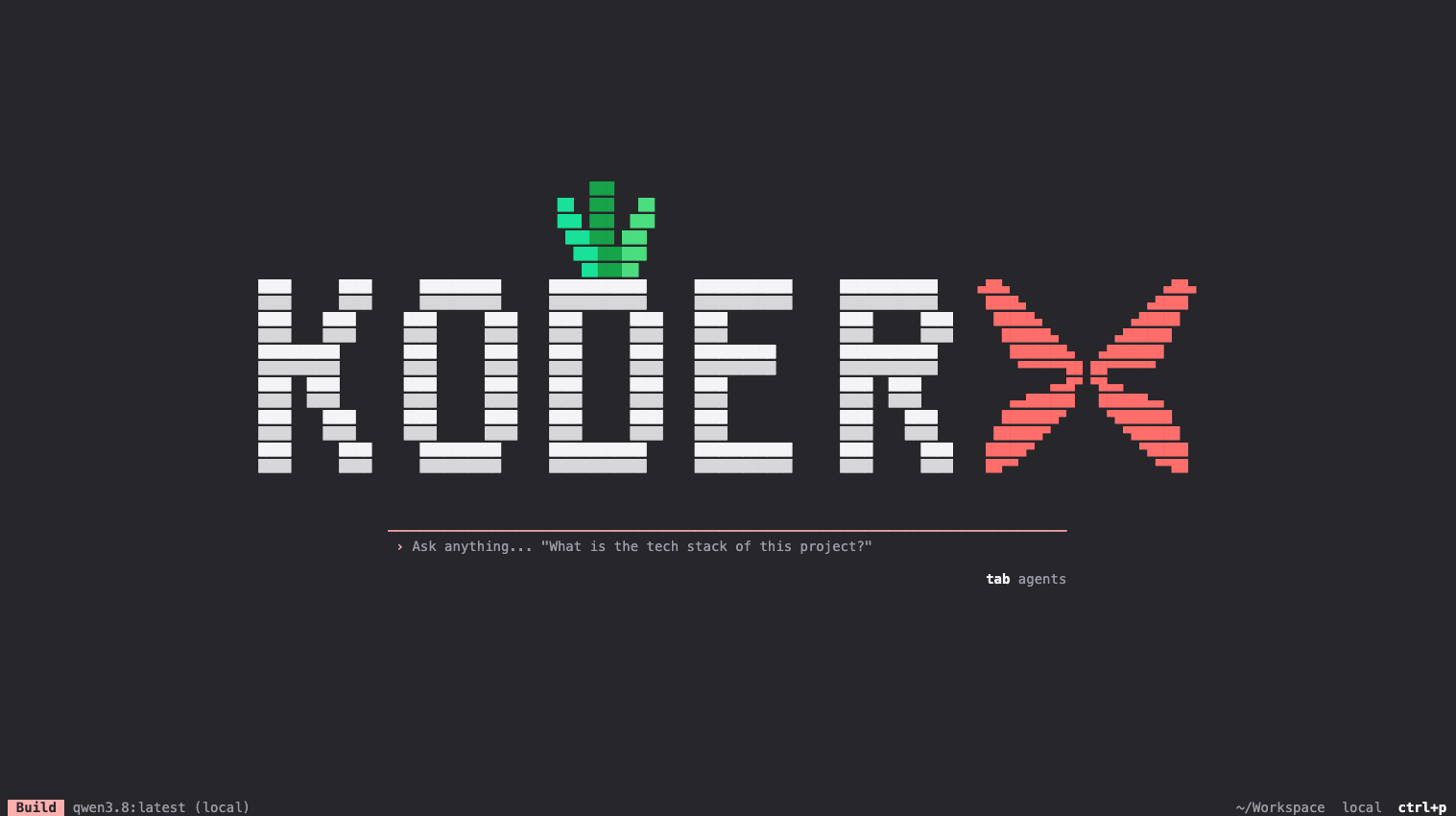
Start with your project
Open a workspace and describe the task. Keep project instructions and the conversation close to the code.
Plan, code, and test with aixplain, your own provider, or local models, in your terminal or desktop.
The harness is the working environment around the model: repository context, tools, permissions, and session state. Koder brings those pieces together so you can guide the task and inspect what happens.
Open a workspace and describe the task. Keep project instructions and the conversation close to the code.
Pick a model and configure tool permissions. Connect the tools your workflow needs through MCP.
Follow the session, inspect changes, and run checks. You decide when the work is ready to ship.
A keyboard-first terminal experience and a desktop workspace for conversations, files, and change review.
Use the aixplain catalog, connect a supported provider, or work with a local model. Availability and capability depend on your setup.
Return to sessions, work across projects, and delegate focused work to agents without losing the conversation.
See tool activity and configure permissions before an agent acts. Permissions guide tool access; they are not a substitute for OS isolation.
Choose the desktop app or install the CLI. The app is free to install; model usage may have a separate cost.
Latest public releaseAn aixplain account connects you to the aixplain platform and catalog. You can also configure a supported provider with your own credentials or use a local model.
The model and tools you choose determine where data goes. Cloud models receive the context sent to them; local inference can keep model processing on your device. Network tools, integrations, and other services may still send data outside it.
Koder is free to install. aixplain and other cloud providers charge for model usage under their own pricing. Local models use your machine’s resources. Reported usage and cache details vary by provider.
Start with your existing repositories and project instructions. For deployment requirements, account controls, and enterprise options, talk to the aixplain team.